For teams using Firebase alongside WordPress or WooCommerce.
Firebase Integration for WordPress
Connect your WordPress website with Firebase authentication and realtime features for a more connected customer experience.
Built Around Your Requirements
If your app uses Firebase and your website runs on WordPress, customers should not have to navigate two disconnected systems. I help define and build the authentication and data connections your customer journey needs.
Projects this service can help with
- Firebase authentication connected to a WordPress website.
- Realtime features that bring Firebase-backed functionality into your site.
- Connections between an existing app and its WordPress or WooCommerce experience.
How We’ll Work Together
Understand the current setup
Share your website and desired outcome. I review the requirements and flag any dependencies that affect the work.
Agree on a focused scope
We define the deliverables, acceptance criteria, cost and timeline before implementation begins.
Implement, review and hand over
The agreed changes are implemented and reviewed against the scope, with handover details relevant to your setup.
What To Share When You Get In Touch
- Your WordPress URL and a description of your Firebase application.
- The login flow or realtime behavior you want to support.
- An outline of the data that should be shared and who should be able to access it.
Authentication, user mapping, access rules and data ownership need to be agreed before implementation. Firebase usage charges and third-party service costs are separate from development. Do not send private keys through the inquiry form.
Questions Before We Start
Clear answers to the details clients usually want to confirm before choosing a package.
Can I connect an existing Firebase app?
That is a typical use case. I first review the current authentication flow and the WordPress setup to determine how they should connect.
Does the integration include realtime features?
Realtime features can be included when defined in the scope. Describe the events or data your website needs to display or update.
Do I need to share credentials in the contact form?
No. Start with your website URL and a description of the desired behavior. Any access needed for implementation can be arranged separately.
Explore Other Services
WordPress & WooCommerce Customization
Make your existing site work around your business, with custom theme changes, plugin features and store workflows.
View service →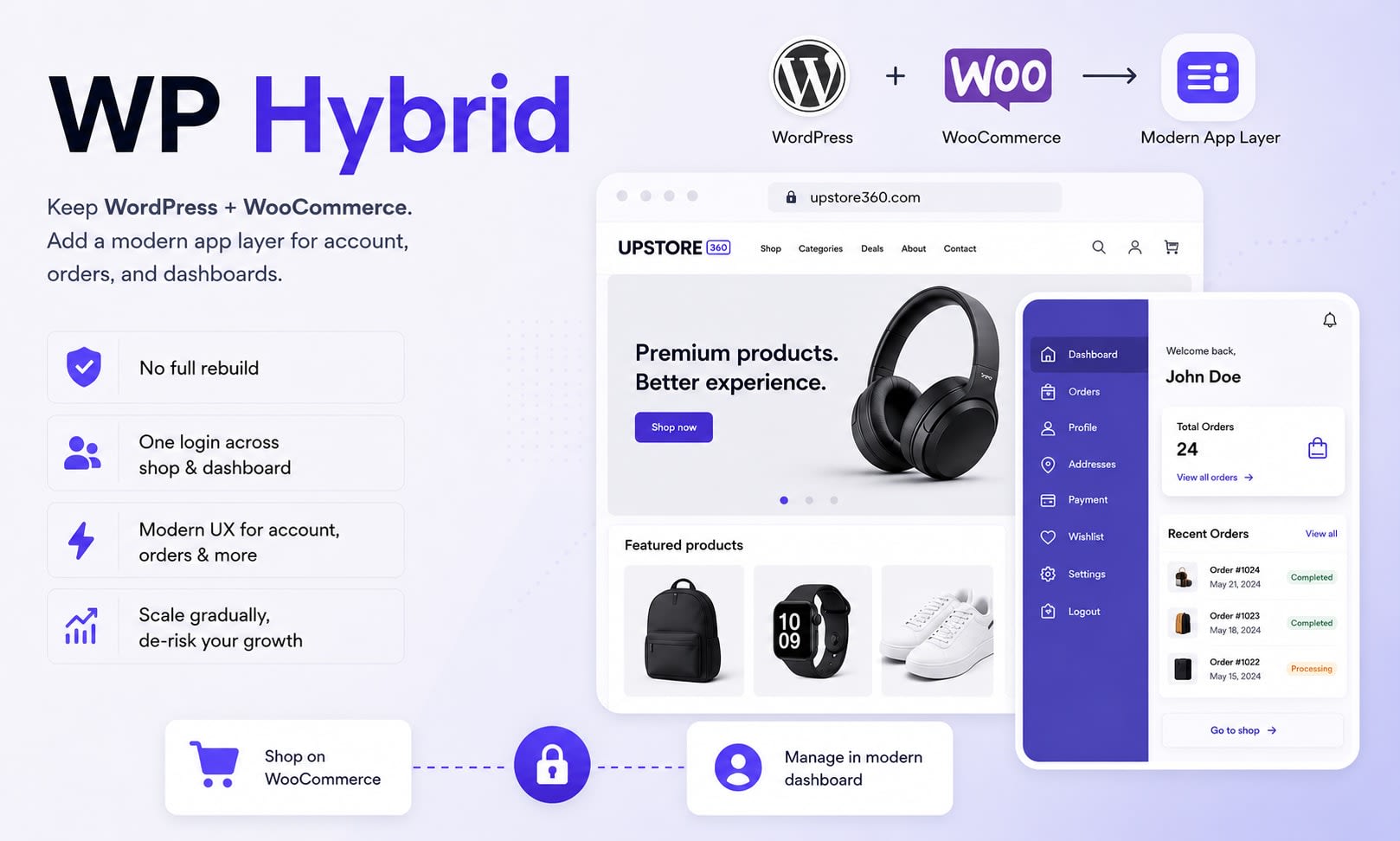
Modern WordPress & WooCommerce Dashboards
Give customers a clearer place to manage their accounts, with a modern dashboard connected to your existing store.
View service →
WordPress Hosting Migration
Move your WordPress website to a new host with a considered approach to your existing content and configuration.
View service →